How to EQ Your IEM Mix on Stage
Getting a great monitor mix isn't just about levels. A little EQ in the right places changes everything — here's how to approach it.
Most musicians spend a lot of time thinking about their monitor mix in terms of volume — how much of themselves they want, how much of the drums, how much of the click. Far fewer think about EQ. And yet EQ is often the difference between a monitor mix that works and one that you spend the whole show fighting. The right frequency shaping can make your voice sit clearly above the band without needing it louder. It can take a boomy, congested low end and turn it into something tight and defined. It can make four hours of monitoring feel comfortable rather than exhausting. This guide covers how to think about EQ in your IEM mix, what to listen for, and where to start.
Why EQ Matters in a Monitor Mix
A monitor mix is not a recording and it's not a FOH mix. It exists for one purpose: to give you the information you need to perform at your best. That's a different goal from sounding good to an audience, and it means the EQ decisions that work in a monitor mix are often very different from those you'd make at the console.
The key distinction is that you're not always trying to create a balanced, full-range representation of every instrument — you're trying to make the critical information as clear and accessible as possible for the specific person wearing the IEMs. It may not be helpful for a vocalist to hear the kick drum the way it sounds on a great studio recording. They need to hear enough of it to feel the pulse of the song without it clouding their vocal. EQ in a monitor mix is about function first, and everything else second.
A second important point: EQ and level interact. Many of the situations where a musician asks for more of something can be solved more elegantly with EQ than with a fader. Boosting a narrow band around a vocal's presence frequencies can make it cut through a dense mix far more effectively than turning the whole vocal channel up — and without raising the overall mix level that fatigues your ears over a long show.
EQ in a monitor mix is about function first. You're not making something sound good — you're making it work for the performer wearing it.
Understanding the Frequency Spectrum in a Monitor Context
Before touching any EQ knob, it helps to have a clear mental model of what different frequency regions are doing in your monitor mix and why they might need attention.
| Range | What's There | Common Issues |
|---|---|---|
| 20–80Hz | Sub-bass, kick fundamental, bass guitar sub | Often unnecessary in IEMs — can cause muddiness and drain headroom |
| 80–250Hz | Bass body, kick punch, warmth of most instruments | Builds up fast in a full mix — the most common source of muddiness |
| 250–500Hz | Lower midrange, body of guitars and keys | Excess here makes mixes sound boxy, honky, or congested |
| 500Hz–2kHz | Midrange — voice, guitar, piano fundamentals | Critical for intelligibility; cuts here can make a mix feel hollow |
| 2–6kHz | Presence — where vocals and instruments cut through | Too much causes harshness and fatigue; too little and things feel distant |
| 6–12kHz | Brilliance, air, cymbal shimmer, breath | Too much over time = ear fatigue; too little = muffled, dull mix |
| 12kHz+ | Air and extreme high end | Rarely needs boosting; often better to leave alone or gently roll off |
Where to Start: A Practical EQ Approach
The best monitor EQ starts with cuts, not boosts. This is the single most important principle and the one most commonly ignored. The instinct when something isn't right is to boost what you want more of — but boosting raises overall level, can introduce harshness, and doesn't address the underlying cause when the real issue is something else in the mix masking what you're trying to hear. Start by identifying what's getting in the way and remove it, before adding anything.
-
High-pass everything that doesn't need sub-bass. If you're a vocalist, there's no reason your vocal channel needs frequency content below 80–100Hz. Apply a high-pass filter to individual channels where sub-bass content is irrelevant. This alone often clears up a muddied, congested monitor mix significantly.
-
Find and cut the mud. The 200–400Hz region is where many monitor mixes fall apart. When multiple instruments all have content in this range — and they almost all do — the combined effect is a thick, boxy sound that makes everything harder to hear. A gentle cut around 250–350Hz on specific instruments can open things up dramatically.
-
Identify your most critical element and carve space for it. Whatever you need to hear most clearly — your own voice, the click, the bass guitar — find the frequency range that defines its character and consider cutting competing elements in that range rather than boosting the primary signal.
-
Address harshness before it builds. If your mix has a sharp, uncomfortable quality at soundcheck, find the frequency that's causing it — usually somewhere between 2kHz and 5kHz — and make a narrow cut. Harshness in a monitor mix compounds over time. A small cut at soundcheck prevents a fatiguing show.
-
Add high-end air carefully and only if needed. A gentle broad boost above 8kHz can add presence and openness to a mix that feels dull. But approach it carefully — what feels clear at soundcheck can feel bright and harsh after two hours under stage lighting with adrenaline running.
EQ by Instrument: What Each Player Should Focus On
Vocalists
The most common vocal monitor issue is the voice feeling buried rather than present. Before reaching for a boost, check whether competing instruments — particularly guitars — have excessive content in the 1–3kHz midrange where the vocal sits. A small cut in the guitars' presence range will often make the vocal more intelligible without touching the vocal channel at all. If you do boost the vocal, target the 2–4kHz presence range for cut-through, and consider a high-pass filter on the vocal channel to remove any low-frequency muddiness from breath and mic handling noise.
Drummers
A drummer's monitor mix is almost always about the relationship between kick, snare, and bass guitar. The kick needs definition more than it needs volume — a boost around 60–80Hz gives it sub weight, but a boost around 4–6kHz gives it the click that helps you lock in rhythmically. If the bass guitar is fighting the kick, try cutting the bass guitar channel slightly in the 80–120Hz range to let the kick fundamental breathe. The snare needs enough midrange presence — around 1–2kHz — to sit above the mix without being harsh.
Bassists
Bass players need to hear the character of their instrument, not just its presence. The fundamental tone of a bass guitar sits between roughly 80–250Hz, but the harmonic content that defines its voice — the growl, the texture, the attack — lives in the 500Hz–2kHz midrange. If your bass sounds undefined or indistinct in the monitor, try a gentle boost in the upper midrange rather than the low end. Too much low-bass content in a monitor mix blurs the rhythmic definition.
Guitarists and keys players
Guitars and keys can be the biggest contributors to a congested monitor mix because their frequency content is broad and overlaps heavily with almost every other instrument. A high-pass filter around 80–100Hz on guitar channels removes low-end content that isn't part of the instrument's fundamental character but contributes significantly to muddiness. In the monitor, guitars and keys often need less midrange than feels natural — cutting slightly in the 200–400Hz boxy region can make them feel tighter and clearer without losing their presence.
The best monitor EQ is mostly invisible — not a set of dramatic boosts, but a series of small, careful removals that let everything breathe.
Working With a Monitor Engineer
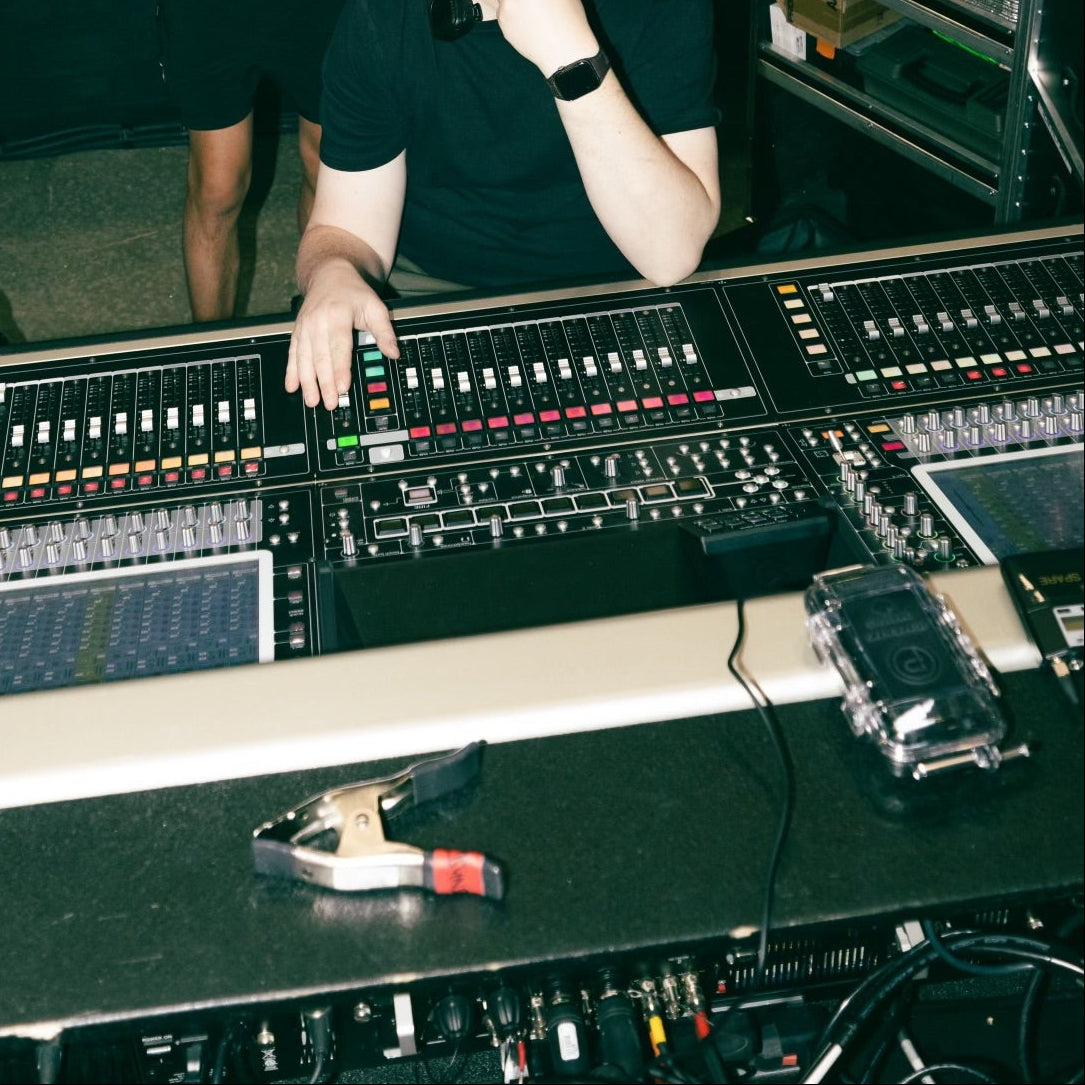
If you have a dedicated monitor engineer, the principles above still apply—but how you communicate them can make a big difference. Every engineer has their own preferred way of working. Some appreciate generalized descriptions like, "My vocal feels buried in the guitars," or "The mix feels thick and heavy," while others prefer more technical requests if you're comfortable making them. It never hurts to ask how they like to receive feedback before soundcheck gets underway.
Regardless of the approach, it helps to communicate what you're trying to achieve rather than simply asking for more of everything. You might want the full band louder, but what you really need is to hear your own instrument clearly or lock in with the rhythm section. The more clearly you communicate the outcome you're after, the easier it is for your monitor engineer to build a mix that works for you.
Communicating EQ to Your Monitor Engineer
"My voice feels buried" — there's too much competing in the 1–3kHz vocal presence range. The engineer will likely cut competing channels there or boost the vocal's presence.
"The mix feels thick or heavy" — excess build-up in the 200–400Hz low-midrange. A broad cut in that region across the mix bus often solves this.
"Something is hurting my ears" — harshness in the 2–5kHz range. The engineer needs to find the specific frequency with a narrow parametric sweep and cut it.
"The mix sounds dull or muffled" — the high-frequency content is too attenuated, or the overall mix has too much low-mid energy masking the top end.
"I can't hear myself even though it's loud" — this is a separation problem, not a level problem. The engineer should look at frequency overlap between your channel and competing instruments.
Running Your Own Mix: Tips for the Self-Mixing Musician
More and more musicians are running their own IEM mixes through personal mixing systems like the Shure PSM series or dedicated personal monitor mixers. If that's you, the principles above apply directly — but a few additional habits make a significant difference.
EQ and Your IEM: The Hardware Side
It's worth acknowledging that the IEM itself sets a ceiling on what EQ can achieve. An IEM with poor frequency response — one that has significant peaks or irregularities built into its tuning — will fight you in the EQ stage. You'll find yourself making compensatory adjustments that address the IEM's character rather than the mix, and those adjustments will interact unpredictably with different material.
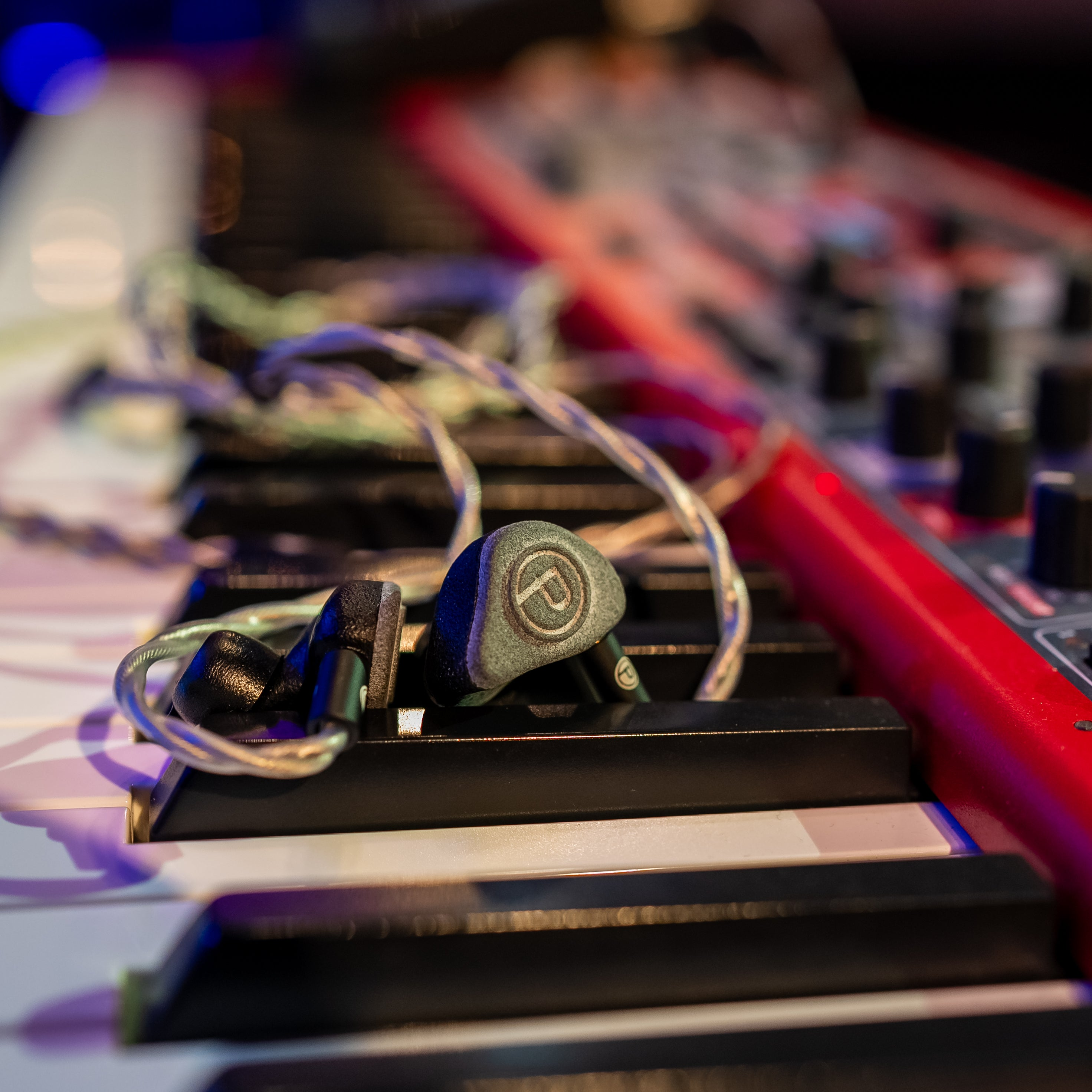
An IEM with a well-engineered, consistent frequency response gives you a transparent platform to work from. When you apply EQ, what you're hearing is the result of your EQ decision — not a combination of your decision and the IEM's own colouration. The Unity Stage, with its flat, accurate frequency response and no artificial frequency elevation, is designed to be exactly this kind of transparent platform. What goes in is what comes out, which makes every EQ decision more predictable and more effective.
The Unity Dynamic brings its own warmth and character to the equation — a slightly elevated low end and smooth highs that can complement a bright or harsh monitor mix naturally, sometimes reducing how much EQ you need to apply in the first place. Knowing the character of your IEM means you can factor it into your EQ approach rather than fighting it.
The right IEM gives you a platform where EQ decisions actually work. Explore the Unity Stage and Unity Dynamic — both built to give you a truthful, consistent foundation for your monitor mix. Questions about your monitoring setup? Get in touch with our team.