Why Separation Matters More Than Loudness
Most musicians turn their monitors up when they can't hear themselves. But volume is rarely the real problem — and it's almost never the right solution.
It's one of the most universal instincts in live performance. You can't hear your instrument clearly in the monitor mix, so you ask for more. More volume. More of yourself. And then more again, because the stage is loud and the drums are bleeding in and the guitars are pushing everything forward and no matter how much more you get, nothing quite cuts through. The problem feels like a loudness problem. It isn't. It's almost always a separation problem — and understanding the difference is one of the most important things a performing musician can learn about their monitoring setup.
The Loudness Trap
When a sound is hard to hear in a mix, the instinct to turn it up is completely natural. And in isolation it's correct — a louder signal is easier to detect. But monitoring a live mix is never about a signal in isolation. It's about a signal in the context of everything else happening at the same time: the kick drum, the guitars, the room acoustics, the backing vocals, the crowd. When you turn yourself up without addressing the context around you, you don't improve your clarity in the mix — you raise the floor that everything else has to compete with.
The result is a loop that every musician eventually recognises. You ask for more. The monitor engineer gives you more. Now the whole mix is louder, and you still can't pick out what you need to hear. So you ask for more again. Within half a show you're monitoring at levels that are compressing your dynamic range, triggering ear fatigue, and potentially damaging your hearing — and the fundamental problem, which was never about volume, remains entirely unsolved.
Turning yourself up doesn't fix the problem. It just makes everyone in the mix louder — including everything that was masking you in the first place.
What Separation Actually Is
Separation in audio refers to how distinctly each element in a mix can be perceived as an individual sound rather than part of an undifferentiated wall of noise. It's the quality that lets you follow the bass line without losing the kick drum, track your own vocal without it dissolving into the guitars, or hear the hi-hat independently of the cymbal wash crashing around it.
Separation operates across two dimensions simultaneously. Frequency separation is how clearly different instruments occupy distinct ranges of the frequency spectrum — the bass down low, the vocals in the midrange, the cymbals up high. When frequency separation is good, each instrument has its own acoustic space and doesn't compete with or mask the others. Spatial separation is how distinctly different instruments feel like they're coming from different places — left, right, forward, back — rather than all collapsing into a single undifferentiated point directly in your skull.
Both forms of separation exist independently of volume. A mix can be very loud and have terrible separation — everything competing in the same frequency space, everything apparently coming from the same place. Or it can be relatively quiet and have exceptional separation — every element distinct, every instrument easy to locate and follow. The quiet, well-separated mix is almost always easier to work with than the loud, congested one.
Why the Brain Responds to Separation, Not Loudness
There's a reason this matters beyond engineering preference. The human auditory system is not primarily a loudness detector — it's a separation machine. The brain is extraordinarily good at isolating specific sound sources from a complex acoustic environment when those sources are spectrally and spatially distinct. This is sometimes called the cocktail party effect: the ability to follow a single conversation in a room full of noise, even when the room is very loud. What makes that possible isn't that the conversation you're following is louder than everything else — it's that it occupies a distinct acoustic profile that the brain can lock onto and track.
In a monitoring context, this means that an instrument that sits in a clearly defined frequency space and feels spatially distinct can be heard and tracked at a fraction of the volume it would require if it were competing with other elements in the same space. Turning something up when it's already masking and being masked by other frequencies gives the brain more noise to sort through. Improving its separation gives the brain something clean to lock onto.
How Poor Separation Shows Up on Stage
The symptoms of a separation problem are specific and recognizable once you know what to look for. They are frequently misdiagnosed as loudness problems, which is why the volume-chasing loop persists.
Vocalists pushing harder than they need to
When a vocalist can't clearly hear their own voice in the monitor — not because it's quiet, but because it's buried in a congested mix — the natural response is to sing louder. This is one of the most common causes of vocal strain in live performance. The voice isn't inaudible because it lacks volume; it's inaudible because it's competing with guitar frequencies that overlap directly with the vocal range, or with a reverb wash that's smearing the definition of every note. Improving the frequency separation of the vocal in the mix — carving space for it in the 1–4kHz presence range, pulling competing elements back slightly — can make a voice feel significantly easier to track without changing its volume by a single dB.
Musicians losing the pocket
Musicians take timing cues from the smallest details of every player around them. It's critical to hear these cues with clear separation — the drummer distinctly hearing the kick drum separately from the bass guitar fundamentals, the guitarist hearing the timing placement from the piano player's right hand, and so on. The groove relationship between all elements on stage needs to be immediately audible and easy to feel. When they're competing in the same frequency space, rhythmic relationships become muddy and the whole band suffers for it.
Bassists losing their tone
Bass players are particularly vulnerable to the loudness trap because the frequencies that define a bass guitar's character — the fundamental note, the harmonic overtones that give the instrument its particular voice — can easily be masked by the kick drum below and the guitar midrange above. A bassist who can't hear the tonal character of their instrument will almost always ask for more volume. But if the issue is frequency masking rather than insufficient level, more volume just makes the mud louder. The solution is almost always to create cleaner frequency separation between the bass, kick, and guitars in the mix.
The Role of Your IEM in Separation
This is where the choice of IEM becomes directly relevant to how you perform on stage. An IEM with poor separation — one that presents different frequencies as a congested, undifferentiated mass — will make every mixing challenge harder. You'll hear more, but understand less. And the natural response to understanding less is to ask for more volume, which puts you straight back in the loudness trap.
An IEM with genuine separation capability changes the experience entirely. When each instrument in your mix occupies a distinct acoustic space, you can hear yourself at a lower volume because there's less competing for the same perceptual space. You can monitor more quietly, protect your hearing, perform more freely, and make better real-time decisions about your playing and singing. Separation is not a luxury feature of high-end IEMs — it's one of the most directly practical qualities a monitor can have for a working musician.
Separation and Hearing Health
The connection between separation and hearing health is direct and underappreciated. The loudness trap doesn't just produce an unsatisfying monitoring experience — it produces sustained high-volume exposure that, over a career, accumulates into real and permanent hearing damage. Noise-induced hearing loss is one of the most common occupational health issues for professional musicians, and it's largely driven by the escalation cycle that begins with poor monitor clarity.
When your IEM delivers strong separation, you can achieve the same perceived clarity at meaningfully lower volume levels — often 6 to 10dB lower than you would need with a congested monitor. Over the course of a show, a night of shows, a tour, and a career, that difference is significant. Better separation isn't just about sounding good — it's about being able to keep doing this for a long time.
Practical Steps: Improving Separation Before Reaching for the Volume
Whether you're working with a monitor engineer or running your own IEM mix, here are the practical changes to make before you reach for the level fader.
Identify what's masking you. Before asking for more of yourself, listen critically to what's occupying the same frequency space. Guitars and vocals compete heavily in the 1–4kHz midrange. Kick drum and bass guitar compete in the 60–120Hz region. Identifying the specific overlap points your instrument in the mix.
Pull back competing elements rather than boosting yourself. A reduction in what's masking you is acoustically cleaner and more effective than a boost to your own signal. It also keeps overall mix levels lower, which protects everyone's hearing and maintains more headroom in the system.
Use panning for spatial separation. Even modest panning of competing elements away from your instrument's position in the stereo field creates perceptual separation that makes both elements easier to track. A guitar that's slightly left feels distinct from a vocal that's centre-left — even if their frequencies overlap.
Invest in an IEM with genuine separation capability. The best mixing decisions in the world are limited by what your IEM can actually deliver. An IEM that presents a well-separated, three-dimensional sound image will let you work at lower volumes and hear more clearly than one that compresses everything into a congested mono-like presentation.
The Separation Checklist — Before You Ask for More Volume
1. Listen for masking. What frequencies is your instrument competing with? Can you identify the specific elements that are blurring what you need to hear?
2. Ask to pull back, not push up. Request a reduction in competing elements before requesting a boost to your own channel.
3. Check your panning. Is your instrument clearly positioned in the stereo field, or is everything collapsed to the centre?
4. Check your seal. A broken IEM seal dramatically reduces separation by raising the noise floor and blurring low-end definition. Refit before reaching for the fader.
5. Give it 30 seconds. Ears adjust rapidly to new volume levels. What feels quiet immediately after a change often feels normal within half a minute. Let your ears settle before asking for more.
How the Unity IEMs Deliver Separation
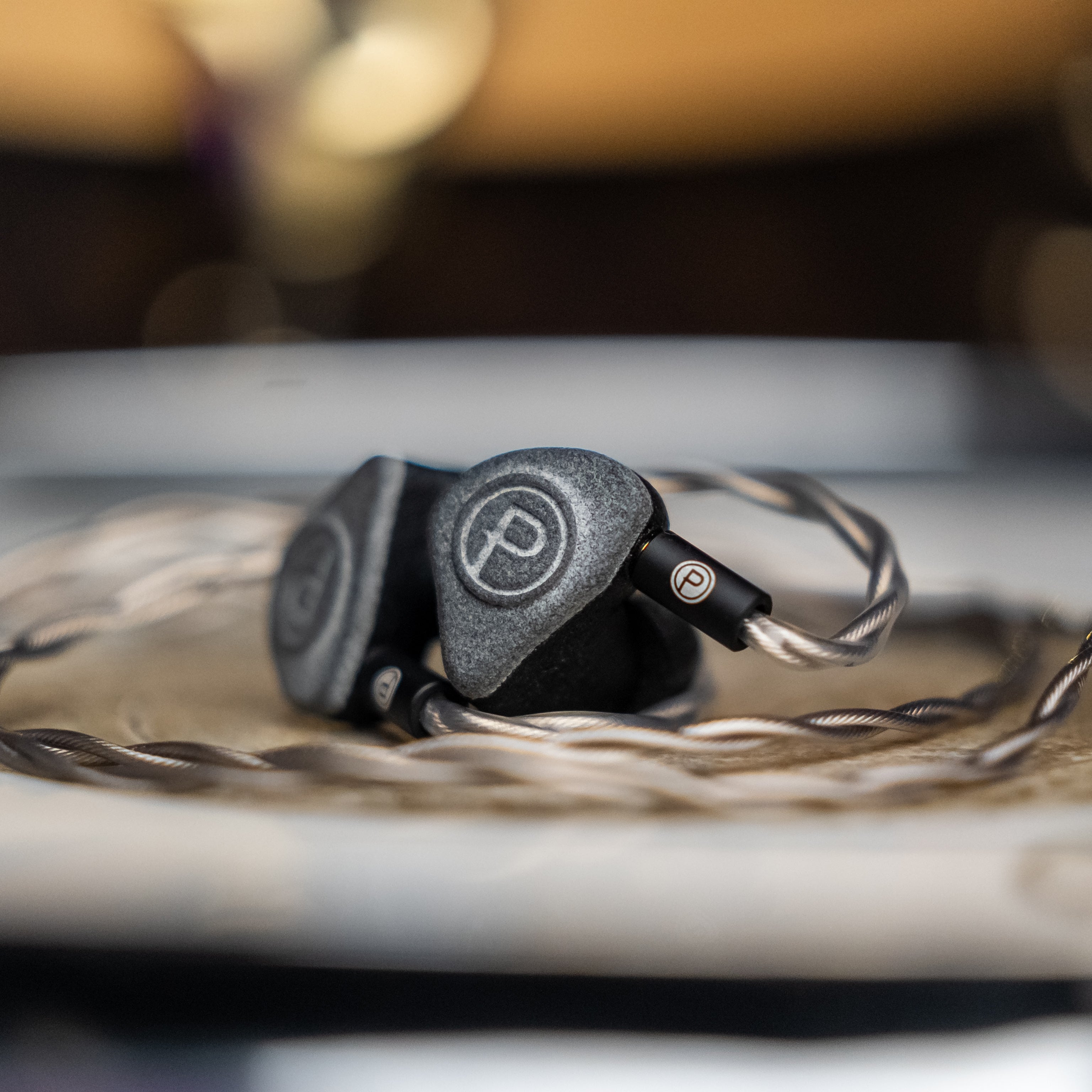
The Unity Stage was specifically engineered for the kind of separation that makes monitoring decisions easier on stage and in the studio. Its four balanced armature drivers produce what we describe as 3D-like imaging — each instrument feels placed in a distinct space, making it possible to follow individual elements in a dense mix without increasing overall volume. The flat, accurate frequency response means nothing is artificially masked or elevated, so the separation you hear reflects what's actually in the signal.
The Unity Dynamic achieves its separation differently — a single dynamic driver with no crossover produces a seamlessly coherent sound where the absence of phase discontinuities between drivers means each frequency range feels clean and distinct. The semi-occluded vent design gives the mix a sense of space that helps instruments feel placed rather than stacked. It's a warmer, more natural kind of separation — the kind that makes performing feel connected rather than clinical.
In both cases, the goal is the same: an IEM that lets you hear what you need to hear at the lowest volume that serves the job. Because the lowest volume that serves the job is always the right volume.
Ready to hear what real separation sounds like in a monitor mix? Explore the Unity Stage and Unity Dynamic — both designed to let you perform at your best without chasing volume. Not sure which is right for your setup? Get in touch with our team and we'll help you find the right match.